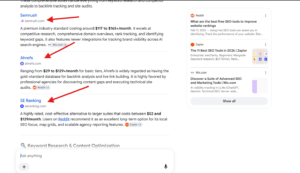
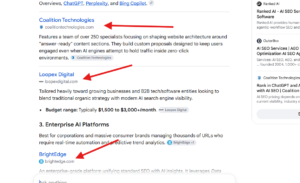
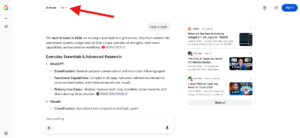
Google is testing a new way to show websites inside AI Mode. Previously, Google showed just the website name as a blue hyperlink. Today I spotted a larger, bold blue hyperlink, with the website’s favicon and URL shown below it.
Here is a screenshot of how it looks.
This looks like a good test for websites. The format feels very close to the title and URL layout in the regular SERP, so users may be more likely to recognize it as a clickable result and click through.
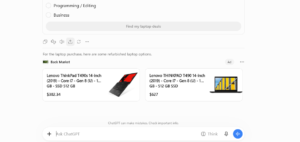
ChatGPT is testing two ad carousels from the same brand in its results. We recently covered ChatGPT testing multiple product ads from a single brand in a unit at the bottom of its results, and this looks like part of that same series of tests. I spotted this today.
Here is a screenshot of this.
This format looks good for the brand being shown. Every ad in the unit leads to the same website, so any click sends the user to that brand’s site.
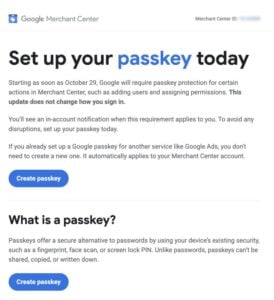
Google has emailed Merchant Center account owners to say it will begin requiring passkeys for select actions in Merchant Center, starting as soon as October 29, 2026.
Here is a screenshot of the email.
In the email, Google wrote: “Set up your passkey today. Starting as soon as October 29, Google will require passkey protection for certain actions in Merchant Center, such as adding users and assigning permissions. This update does not change how you sign in. You’ll see an in-account notification when this requirement applies to you. To avoid any disruptions, set up your passkey today. If you already set up a Google passkey for another service like Google Ads, you don’t need to create a new one. It automatically applies to your Merchant Center account.”
In short, the passkey requirement applies only to sensitive account actions, such as adding users and assigning permissions. The regular sign-in process stays the same. Account owners who already use a passkey for another Google service, like Google Ads, are covered automatically.
Account owners should set up a passkey before the deadline so they aren’t blocked from managing users and permissions.
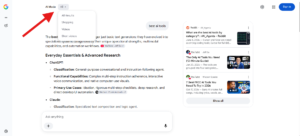
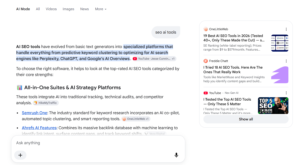
Google is testing a new header design in AI Mode. Previously, all the tabs (All, Shopping, Videos, and so on) appeared in one line across the header. Now, only the AI Mode and All tabs are visible. When users click the All tab, the remaining tabs appear within it.
Here is a screenshot of the new design.
Here is a screenshot of the old design.
I think the new design looks good, though I like the old one too. My guess is that Google doesn’t want users to leave AI Mode. With the tabs hidden behind a dropdown, users have to click an extra time before they can switch to another tab, so they are more likely to stay in AI Mode.
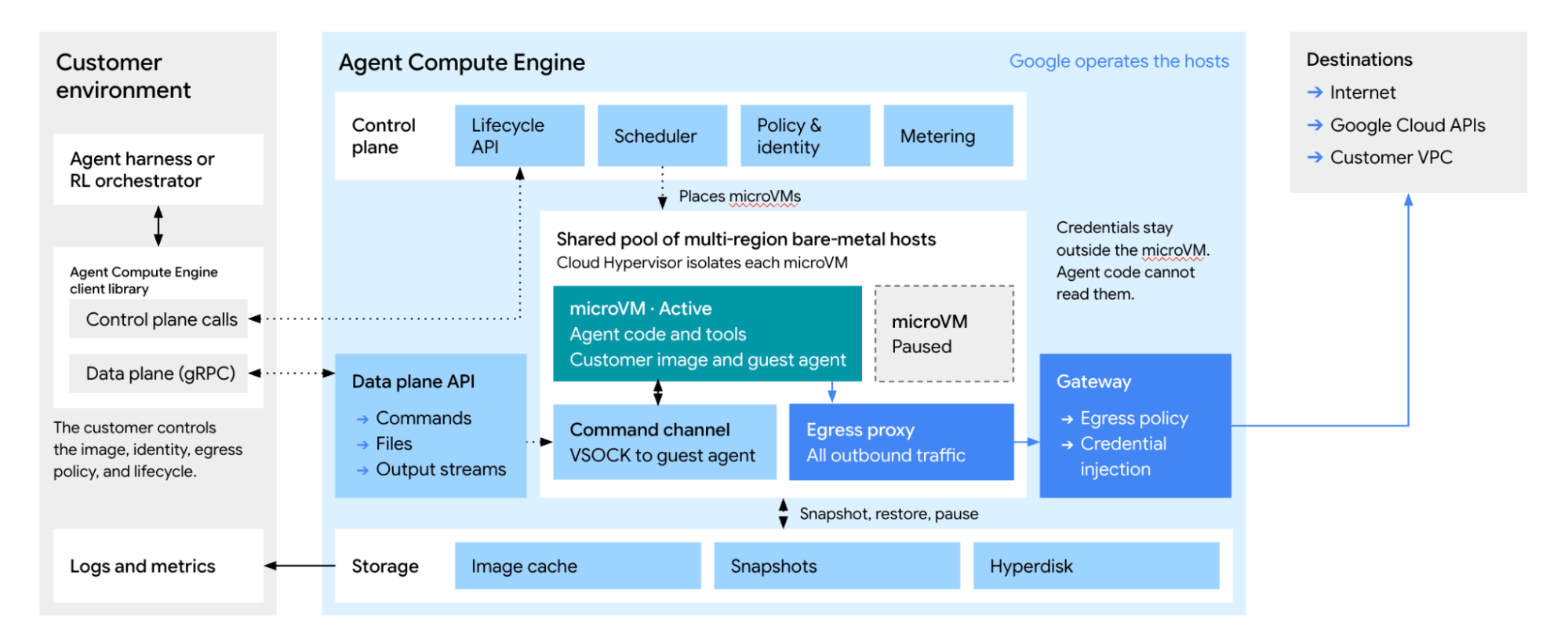
Google has announced Agent Compute Engine, a service that gives AI agents hardware-isolated virtual computers. Customer preview access will arrive in the coming months; Google says the infrastructure already powers Gemini’s work-task agents.
The October 22 announcement describes small virtual machines, or microVMs, with their own operating-system environments. Agents can use them to execute code, operate browsers and maintain workspaces across sessions.
Idle agents keep their work between tasks
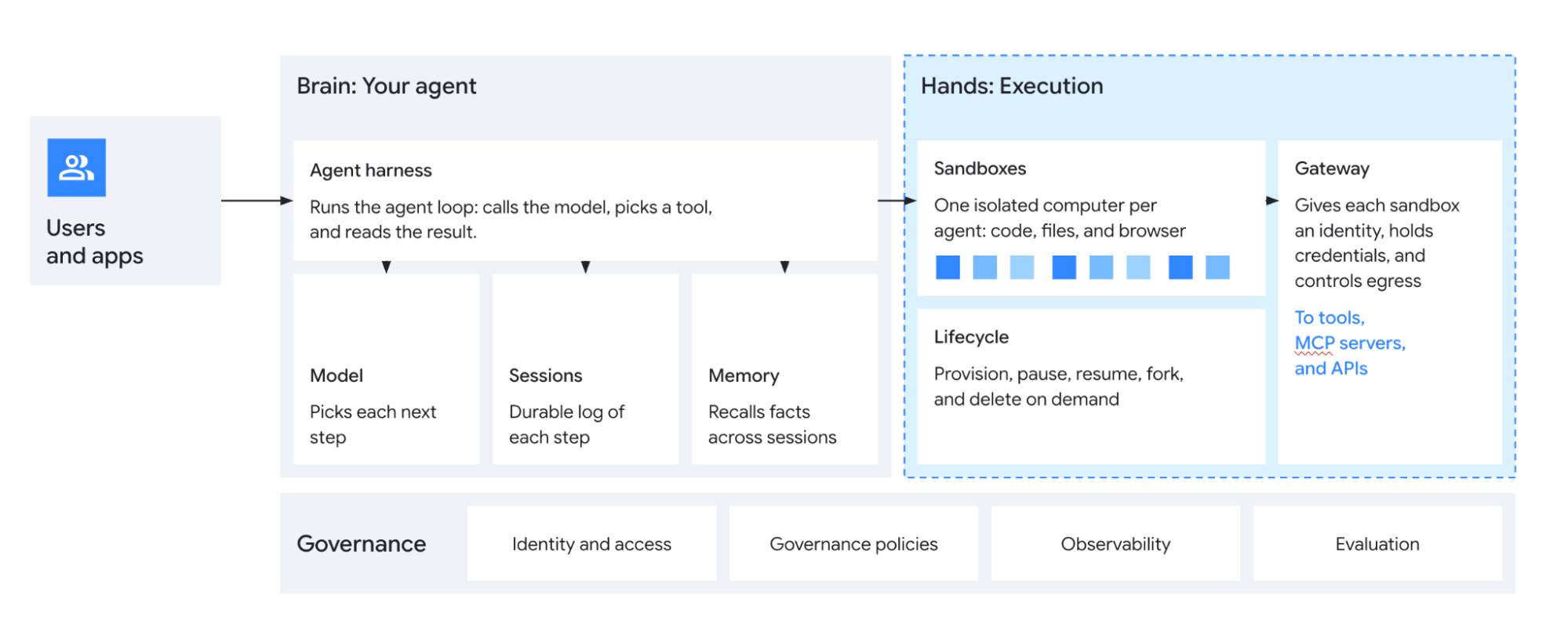
Google’s technical explanation separates the software that chooses an agent’s next action from the sandbox that runs its commands. This lets the system detect when execution has stopped.
Google separates the agent’s decision-making software from the environment that executes its commands. Image: Google
When an agent waits for a model response, user input or another system, its microVM can pause. A saved snapshot preserves the state for its next action, rather than rebuilding the working environment or continuously allocating active compute.
The architecture keeps snapshots and persistent storage alongside microVMs that can pause between tasks. Image: Google
Copy-on-write memory sharing also lets agents share unchanged operating-system and software components. Separate memory is allocated for the portions each agent modifies, reducing duplication across environments.
Service credentials stay outside the sandbox
Google keeps long-lived credentials outside the execution environment. An external gateway checks the agent’s identity and outbound-access policies before inserting the credential needed for a permitted service request.
That design limits what hostile code inside a sandbox can steal: a compromised environment should not contain the user’s stored API keys or OAuth refresh tokens. Access to external services still depends on the gateway’s configured policies.